
WordPress vs Shopify vs Wix: Best Platform for Small Businesses in 2026
Picking a website platform feels a lot like picking a foundation for a house. Get it wrong, and you’ll spend years fighting the structure instead of building on top of it. Get it right, and everything else – design, marketing, sales – becomes easier.
If you’ve been searching “WordPress vs Shopify vs Wix,” you’re probably at that exact decision point. All three are excellent tools, but they were built for different jobs. This guide breaks down how each one actually performs in 2026, so you can match the platform to your business instead of the other way around.
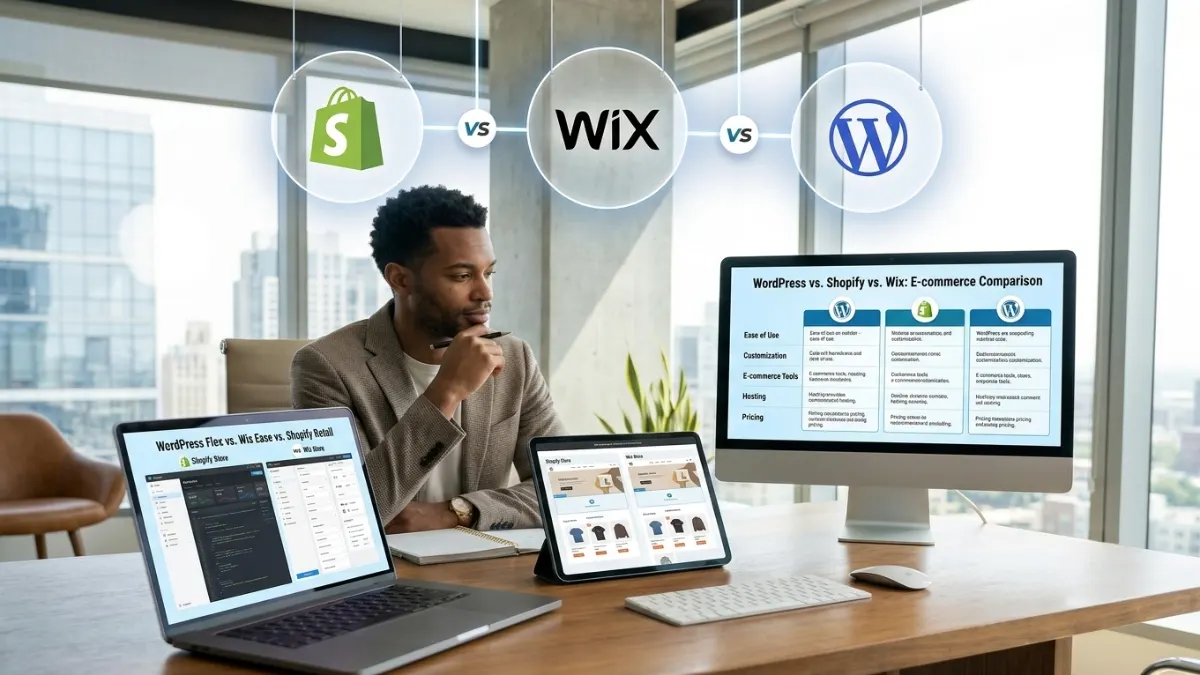
Quick Answer
- Choose Shopify if selling products online is your main goal and you want a system built specifically for transactions, inventory, and checkout.
- Choose WordPress (with WooCommerce) if you want full ownership of your site, long-term flexibility, and strong control over content and SEO.
- Choose Wix if you want the fastest possible way to get a simple, good-looking site live with minimal technical effort.
WordPress, Shopify, and Wix: What They're Really Built For
WordPress powers a huge share of the internet, and it does so because it isn’t really one product – it’s an open-source framework that thousands of developers build on top of. That openness is both its biggest strength and its steepest learning curve.
Out of the box, WordPress is a content management system. Add the WooCommerce plugin, and it becomes a fully capable online store. Add other plugins, and it can become almost anything: a booking system, a membership site, a job board, or a multi-language business portal.
Strengths:
- You own your website completely – files, data, and design
- Thousands of free and paid themes and plugins
- Strong long-term SEO performance and content flexibility
- No revenue-share or per-transaction platform lock-in
Trade-offs:
- You’re responsible for hosting, security, and updates (or you hire someone who is)
- Managing plugins well requires some ongoing attention
- The initial setup has more of a learning curve than Wix
Shopify: Built for Selling
Shopify isn’t trying to be everything – it’s trying to be the best possible place to run an online store. Every feature, from checkout to inventory to shipping discounts, is designed around one goal: helping you sell products efficiently.
In 2026, Shopify’s biggest shift isn’t pricing – it’s distribution. Every paid plan now includes access to what Shopify calls agentic storefronts, letting your products surface directly inside AI shopping assistants like ChatGPT and Google’s AI Mode, not just your own website. For a small store, that’s a meaningful amount of built-in visibility that used to require a dedicated marketing budget.
Shopify’s plans in 2026 generally run:
- Basic – around $39/month, for new stores getting started
- Grow – around $105/month, for scaling stores that need better shipping rates and reporting
- Advanced – around $399/month, for stores with international sales and custom reporting needs
- Plus – starting around $2,300+/month, built for large-volume enterprise brands
Transaction fees drop as you move up tiers, and using Shopify Payments directly (instead of a third-party gateway) avoids extra processing surcharges altogether.
Strengths:
- Purpose-built checkout, inventory, and order management
- Reliable hosting and security included – nothing to configure
- Massive app marketplace for shipping, marketing, and accounting tools
- Built-in AI shopping channel distribution
Trade-offs:
- Monthly costs add up faster than a basic website builder
- Content and blogging tools are functional but not WordPress-level
- Heavy customization usually needs a developer familiar with Shopify’s theme language
Wix: The Fastest Way to Get Online
Wix is built for speed and simplicity. Its drag-and-drop editor, AI site generator, and enormous template library mean a non-technical business owner can have a polished, professional-looking site live within a day.
Wix restructured its plans in 2025 into four simple tiers: Light (around $17/month, no e-commerce), Core (around $29/month, entry-level online store), Business (around $39/month, full e-commerce and automated tax tools), and Business Elite (around $159/month, for high-volume stores needing unlimited storage and priority support). A free plan exists too, but it doesn’t support selling and carries Wix branding.
Strengths:
- Easiest learning curve of the three platforms
- All-in-one hosting, security, and support – nothing to install
- Good built-in booking, restaurant, and service-business tools
- AI-assisted design tools speed up the build process
Trade-offs:
- Harder to migrate away from later – your design doesn’t transfer easily to another platform
- Less suited to stores with large or complex product catalogs
- SEO and content tools are improving but still trail WordPress
Side-by-Side Comparison Table
Factor | WordPress + WooCommerce | Shopify | Wix |
Best for | Content-driven sites, blogs, growing stores | Dedicated online stores | Simple sites, small stores, service businesses |
Ease of use | Moderate learning curve | Easy to moderate | Easiest |
Starting cost | Free software; hosting from ~$5–15/month | From ~$39/month | From ~$17/month (site) or ~$29/month (store) |
Ownership of data/design | Full ownership | Platform-hosted | Platform-hosted |
E-commerce features | Strong via plugins, needs setup | Best-in-class, built-in | Good for small catalogs |
SEO potential | Excellent, highly customizable | Good, improving | Good, simpler controls |
Scalability | Very high, with the right hosting | High, especially with Plus tier | Moderate |
Maintenance responsibility | You (or your developer) | Platform-managed | Platform-managed |
Design flexibility | Highest | Moderate (theme-based) | Moderate (template-based) |
Cost: What You'll Actually Pay
Sticker prices rarely tell the full story.
WordPress looks cheapest at first – the software itself is free – but you’ll pay for hosting, a domain, possibly a premium theme, and any premium plugins. A well-set-up small business site typically runs $150–500 a year in direct costs, plus either your own time or a developer’s fee for setup and maintenance.
Shopify bundles hosting, security, and support into the subscription, so the monthly fee is closer to the real total cost. Add payment processing fees (lower if you use Shopify Payments directly) and any paid apps for marketing or shipping, and a small store typically spends $50–150 a month once things are running.
Wix sits in the middle. The subscription covers hosting and basic tools, but professional email, some apps, and premium templates can add $10–50 a month depending on what you need.
Which One Fits Your Business?
- A local service business (salon, consultant, contractor): Wix is usually the fastest route to a professional-looking site with booking built in.
- A product-based business planning to scale: Shopify’s dedicated commerce tools and reporting will save time as order volume grows.
- A business built around content, blogging, or long-term SEO growth: WordPress gives you the most control and the best return on content investment over time.
- A business that wants both a content strategy and a store: WordPress with WooCommerce can do both, though it takes more setup than Shopify.
Many businesses outgrow their first choice, and that’s normal. A café might start on Wix, then move to WordPress once it needs a blog and stronger SEO. A boutique might start on WordPress and switch to Shopify once order volume makes dedicated commerce tools worthwhile.
If you’d rather not manage the technical setup yourself, working with a specialist – for example, a WordPress Developer in Kerala or a Shopify Developer in Kerala – can save weeks of trial and error, especially when you need custom design, plugin configuration, or a smooth data migration.
Making the Final Decision
Before choosing, ask yourself three questions:
- What’s my core activity – selling, publishing, or booking? Match the platform’s core strength to your core activity.
- How much control do I want over hosting and code? More control means WordPress; less hassle means Shopify or Wix.
- Where do I see my business in two years? If you expect serious growth in product volume or content, weigh long-term flexibility more heavily than short-term ease.
There’s no universally “best” platform – only the best fit for your specific business model, budget, and growth plans. Take advantage of free trials on Shopify and Wix, or a low-cost hosting plan for WordPress, and test-drive the experience before committing.
FAQ's
Which platform is cheapest for a small business in 2026?
WordPress has the lowest starting cost since the core software is free, but Wix’s Light and Core plans offer the lowest predictable monthly cost if you don’t need heavy customization.
Is Shopify better than WordPress for e-commerce?
Shopify is generally better for pure e-commerce because its checkout, inventory, and shipping tools are purpose-built. WordPress (via WooCommerce) is more flexible and cost-effective if your store is also content-heavy or you want full ownership of your data.
Can I switch from Wix to WordPress or Shopify later?
Yes, but it takes work. Wix doesn’t allow direct code export, so migrating usually means rebuilding your design on the new platform while transferring your content and product data separately.
Which platform is best for SEO?
WordPress generally offers the deepest SEO control thanks to plugins and full access to site code. Shopify and Wix have both improved their built-in SEO tools significantly, and are perfectly workable for most small businesses.
Do I need coding skills to use these platforms?
No. Wix and Shopify are designed for non-technical users. WordPress can also be used without coding, but unlocking its full flexibility often benefits from developer support.
Is Wix good enough for a growing online store?
Yes, for small to mid-sized catalogs. Once your product range or order volume grows significantly, Shopify’s dedicated commerce infrastructure tends to handle scale more smoothly.
What hidden costs should I watch for?
On Shopify, watch transaction fees and paid apps. On Wix, watch app subscriptions and email hosting. On WordPress, watch premium themes, plugin licenses, and hosting renewal rates.
Which platform is best for a service-based business, not a store?
Wix, thanks to its built-in booking and scheduling tools, or WordPress with a booking plugin if you also want a strong content or blog presence.
Does platform choice affect how AI search tools show my business?
Yes, increasingly so. Shopify has built direct integrations with AI shopping assistants, while WordPress’s open structure and strong content options make it easier to optimize for how AI answer engines pull information. Wix has been steadily adding similar AI-visibility tools as well.
Should I hire a developer, or build it myself?
For a simple site, DIY works fine on any of the three platforms. For custom functionality, migrations, or a more polished result, hiring an experienced WordPress Developer developer – such as a WordPress Developer in Kerala or Shopify Developer in Kerala – is usually worth the investment.
Final Thoughts
Every business is different, and the “right” platform is the one that matches your goals, budget, and growth plans – not the one with the most features on paper.